2024-07-20
Create and Customize AI Images Using ClipMode
Create and customize AI Images with ClipMode. Explore endless possibilities with diverse models, customizable styles, and easy-to-use features.
As the world of digital art continues to evolve, tools like ClipMode are redefining what’s possible. If you’re looking to creating personalized, high-quality AI art, ClipMode offers a unique platform that empowers you to bring your wildest ideas to life.
Image Customisation
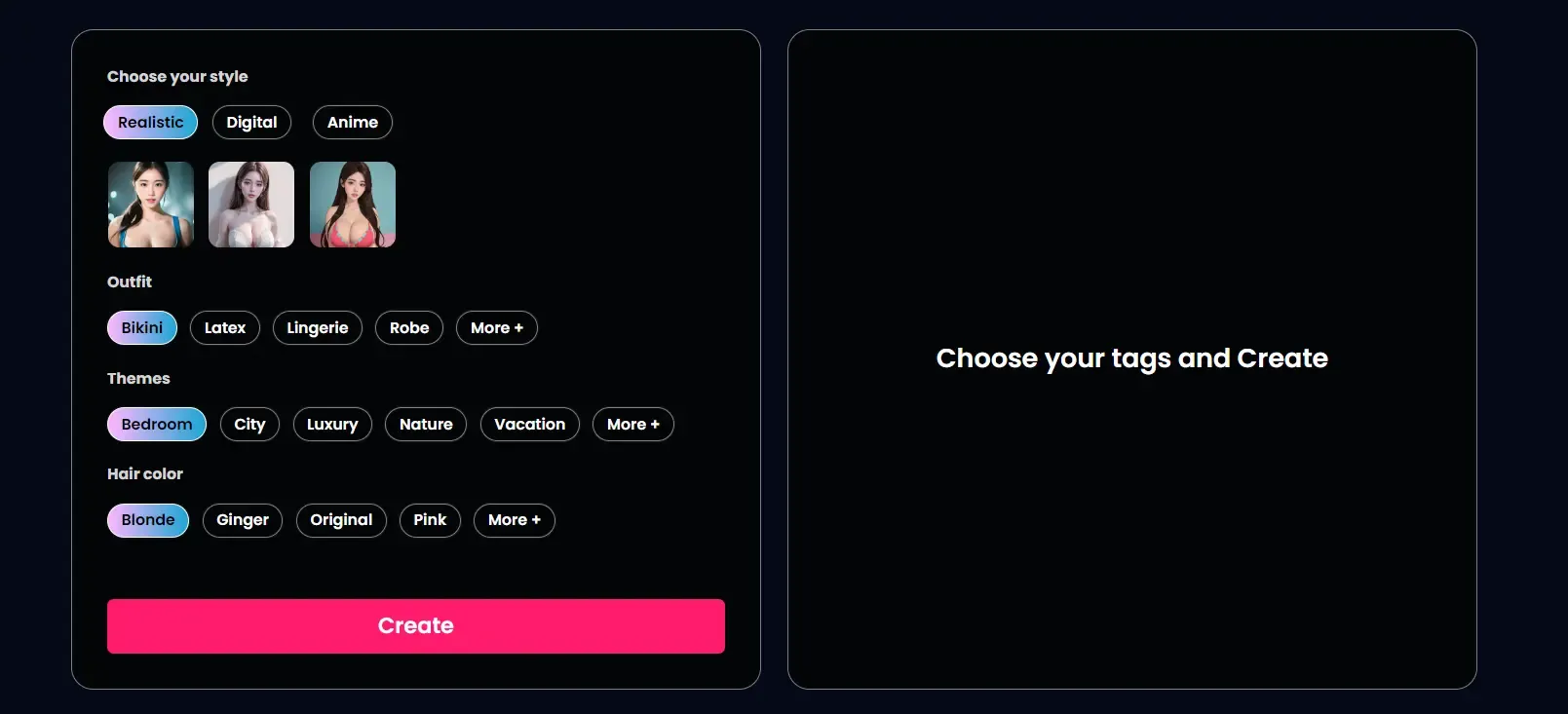
One of the standout features of ClipMode is its incredible flexibility. Whether you’re interested in realistic styles, anime, or something entirely different, ClipMode provides a vast array of options to customize your creations. You can customize everything—seriously, everything! From the outfits your characters wear to the themes and settings they’re in, and even down to their hair color.
Model Continuity
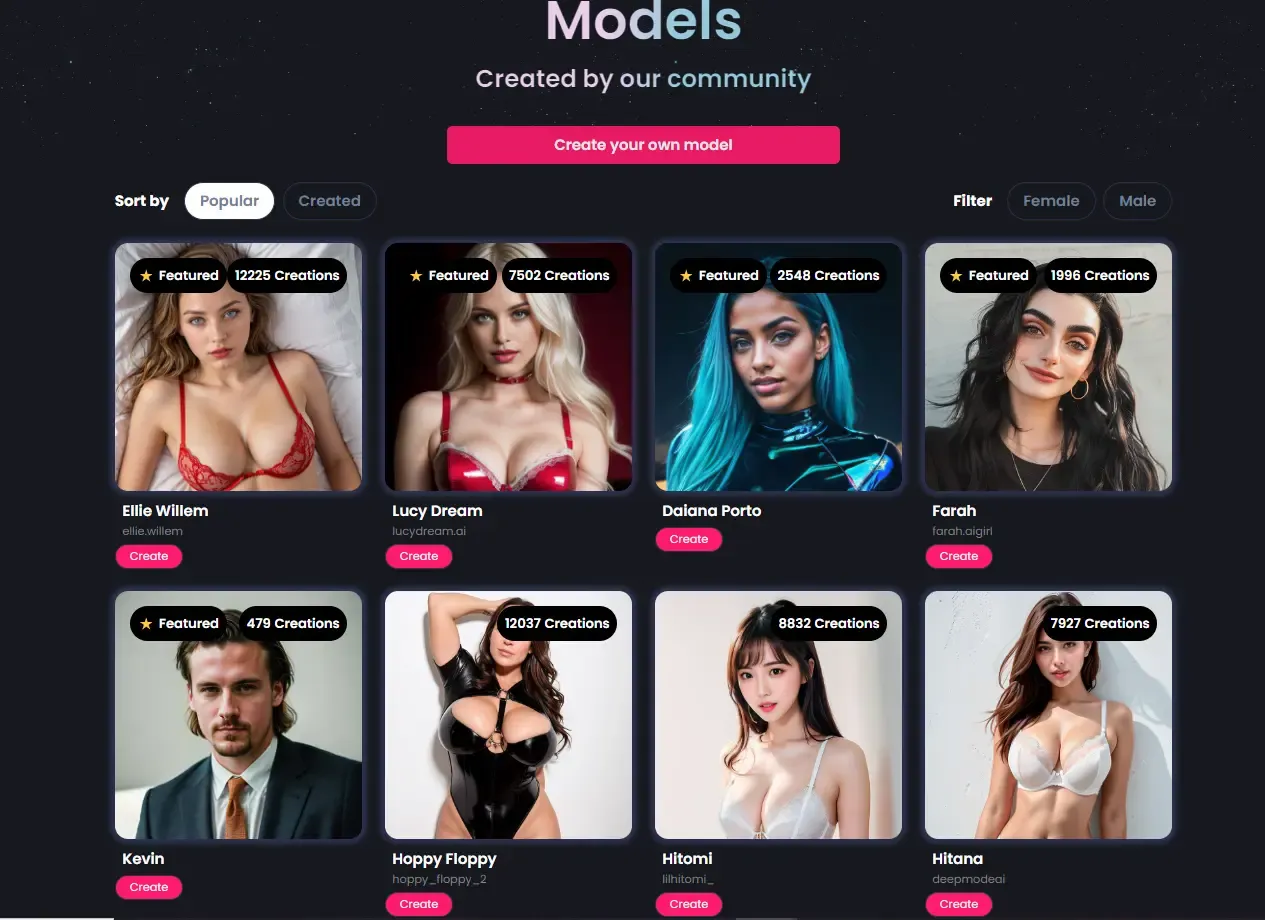
ClipMode also excels in model continuity, a feature that lets you maintain consistency across different images of the same model. If you love creating a series of images that tell a story or follow a theme, this is going to be your new best friend. You can keep the same character’s look consistent across multiple images, but mix things up with different outfits, poses, and backgrounds. It’s like having your own digital muse that evolves with your imagination! This level of control is what makes ClipMode a game-changer in the AI art space.
Add a Unique Flair to Your Prompts With Customize LoRAs
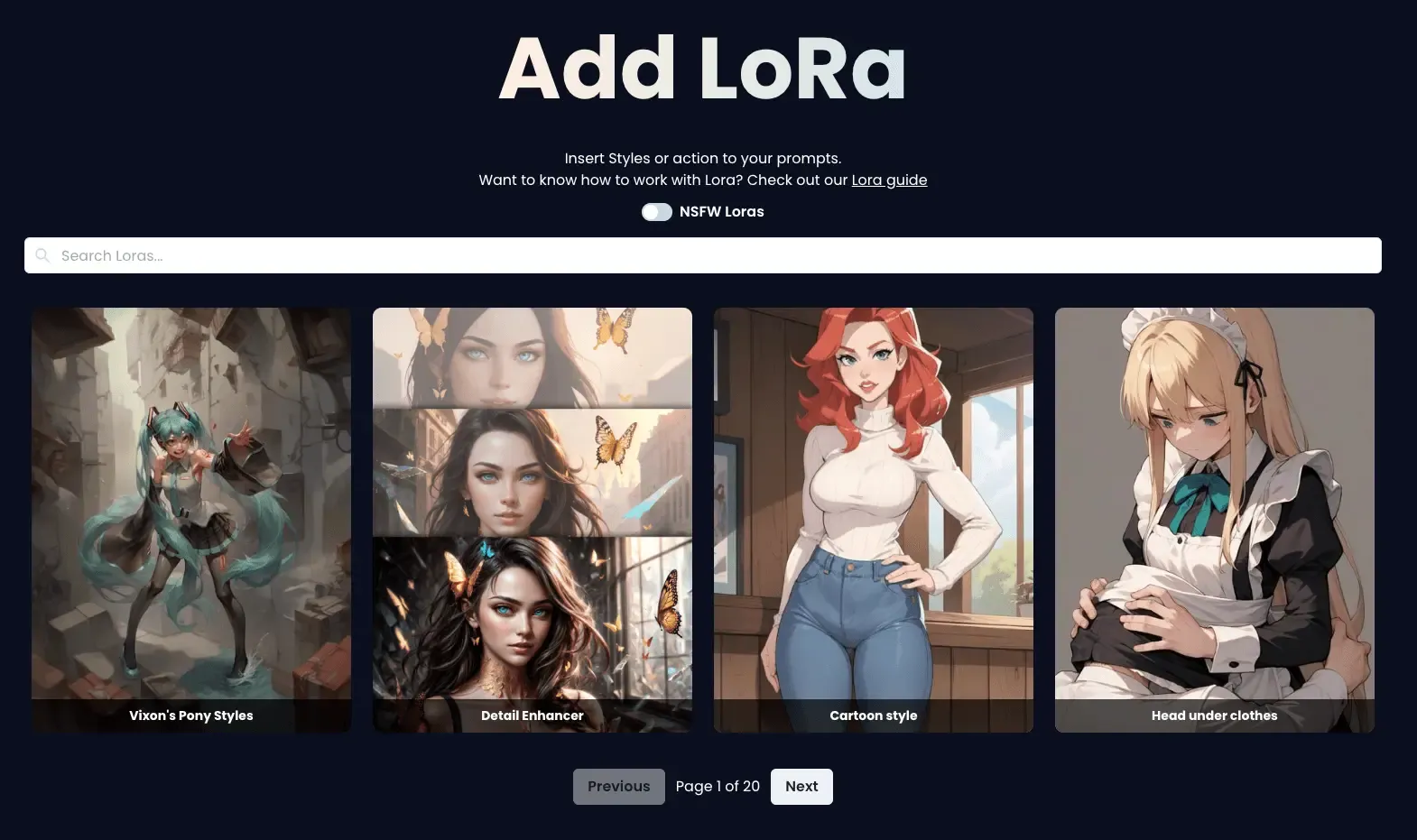
This ClipMode feature will take your image creation to a new level—using LoRAs in your image generation. LoRAs are like magic wands that let you apply customized styles to your prompts. When you browse the community Lora Gallery, you’ll discover a lot of Lora styles. Click on a Lora to open a preference window, where you’ll find the Lora Tag along with Trigger Words to activate it. Simply select the keywords you want to add to your prompt, and watch as your images transform with that unique style. Not all LoRAs require Trigger Words—some are powerful enough on their own, and just including the Lora tag will do the trick!
If you want to know how deeper how Lora works, check this blog.
Easy and Fun to Use. Perfect for Everyone
Despite all these epic customization options, the platform is super user-friendly, allowing both beginners and seasoned artists to create stunning images effortlessly. You can preview your work as you go, making adjustments until you’re completely satisfied with the result.
Dive Deeper!
If all of this sounds as exciting to you as it does to us, you should definitely check out this awesome guide from Liaise to dive deeper into what ClipMode can do.
What are you waiting for? Sign Up for ClipMode and start creating your next masterpiece today. We can’t wait to see what you come up with!