New · Outfits
Any outfit. Your character.
Pick a look from the rack or upload a photo of any outfit. Your trained ClipMode character wears it — in a photo or a video.
Try on an outfitPhoto 1 credit · 5s video 21 credits
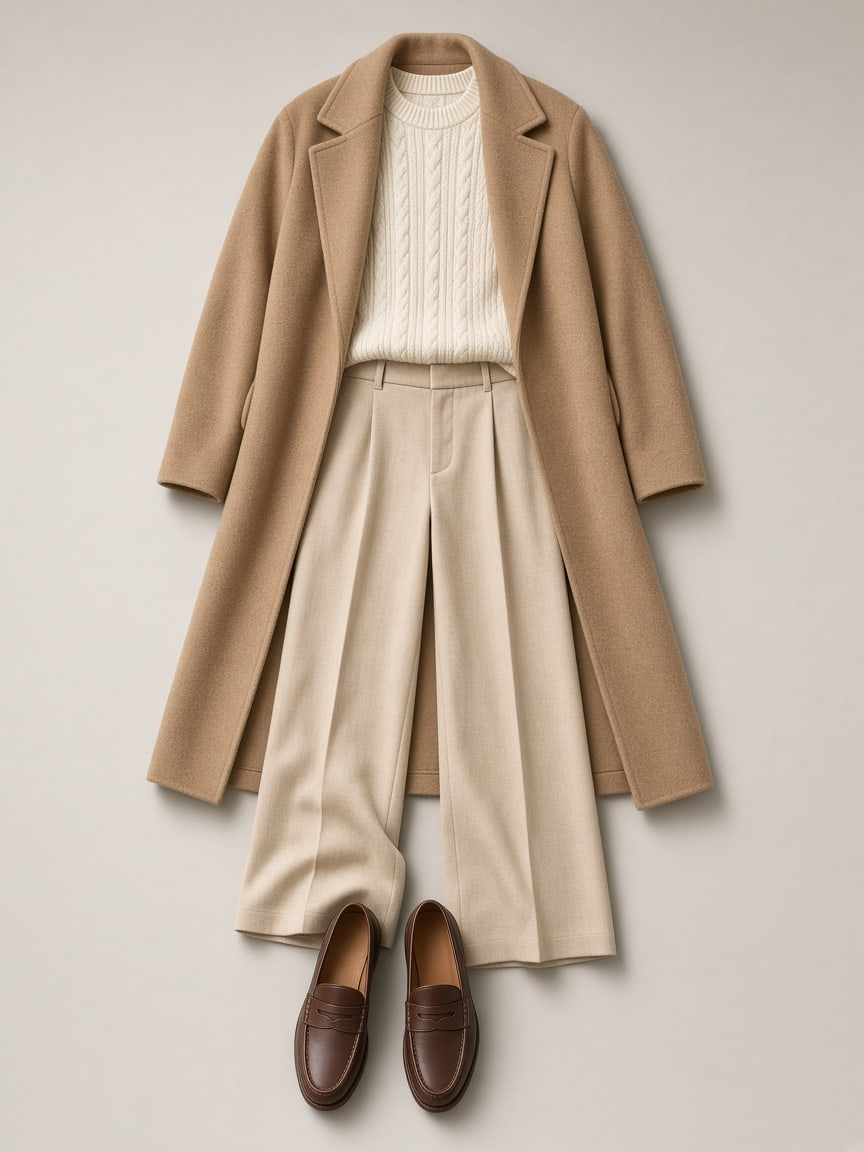
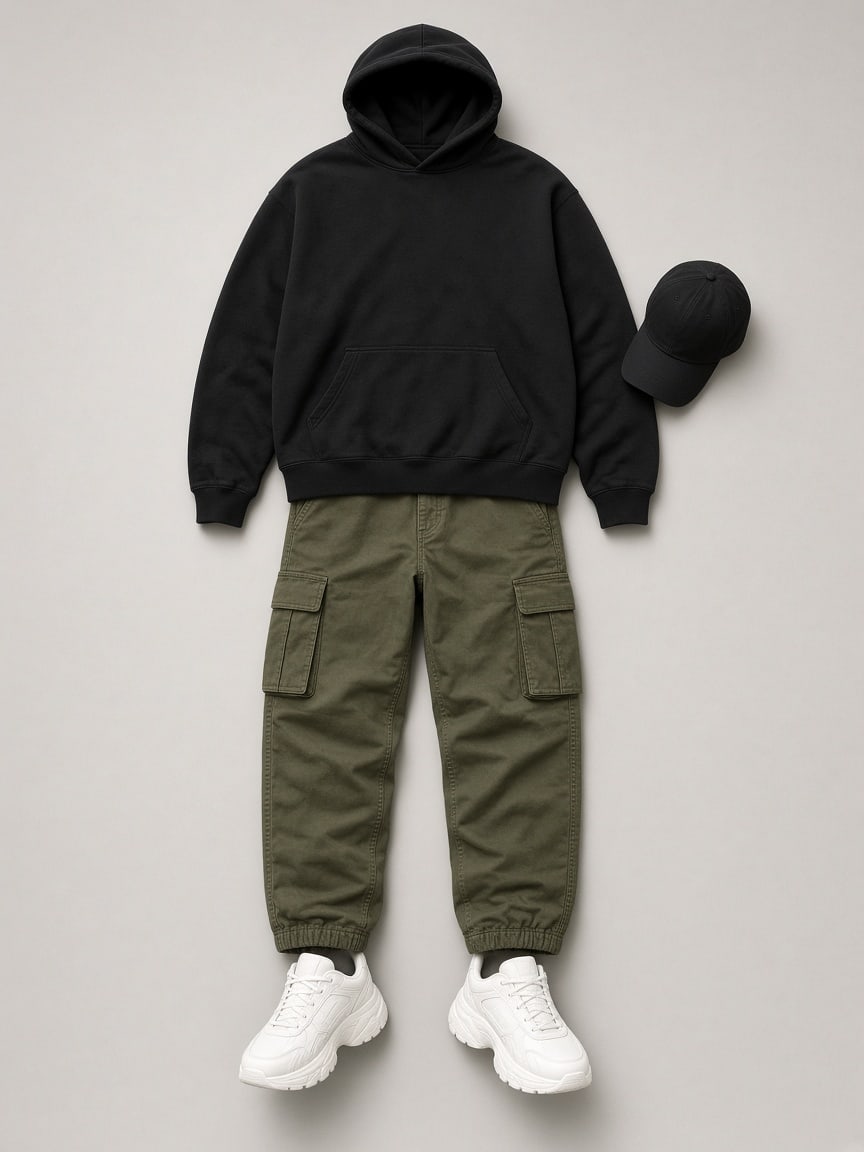
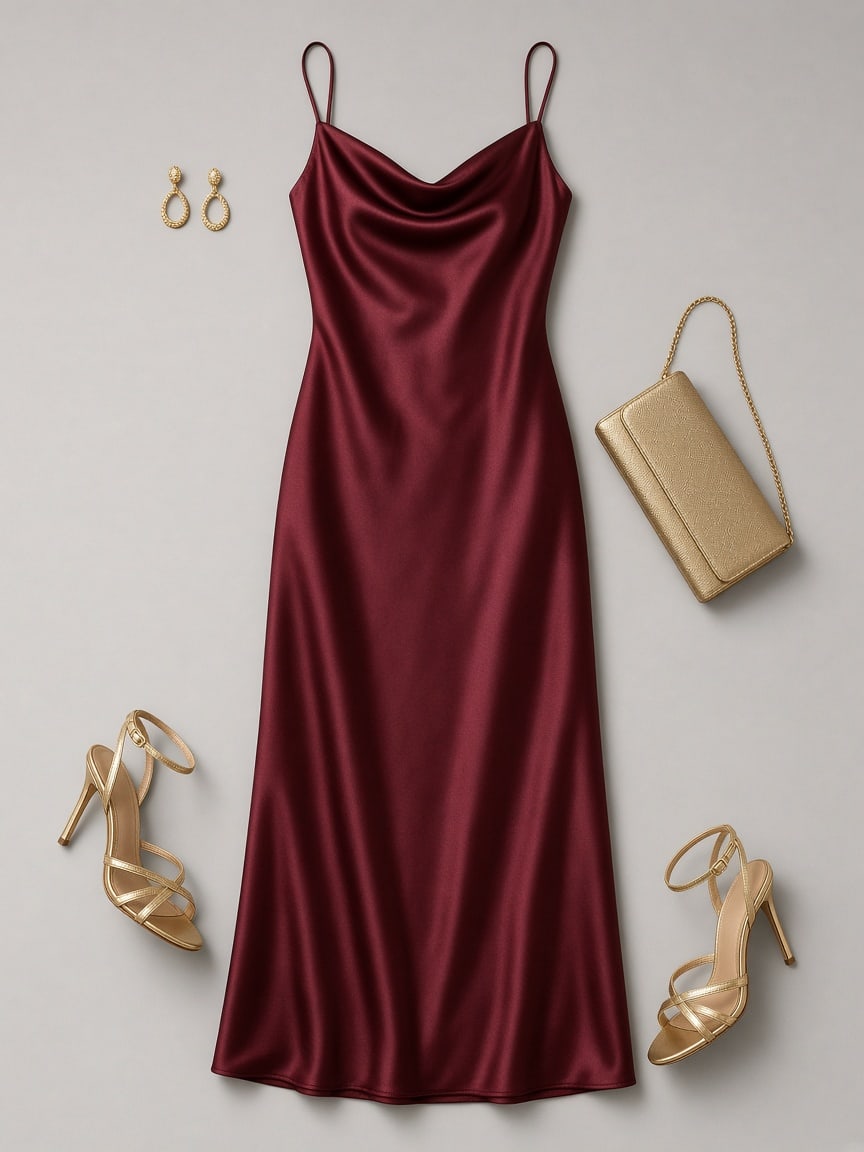
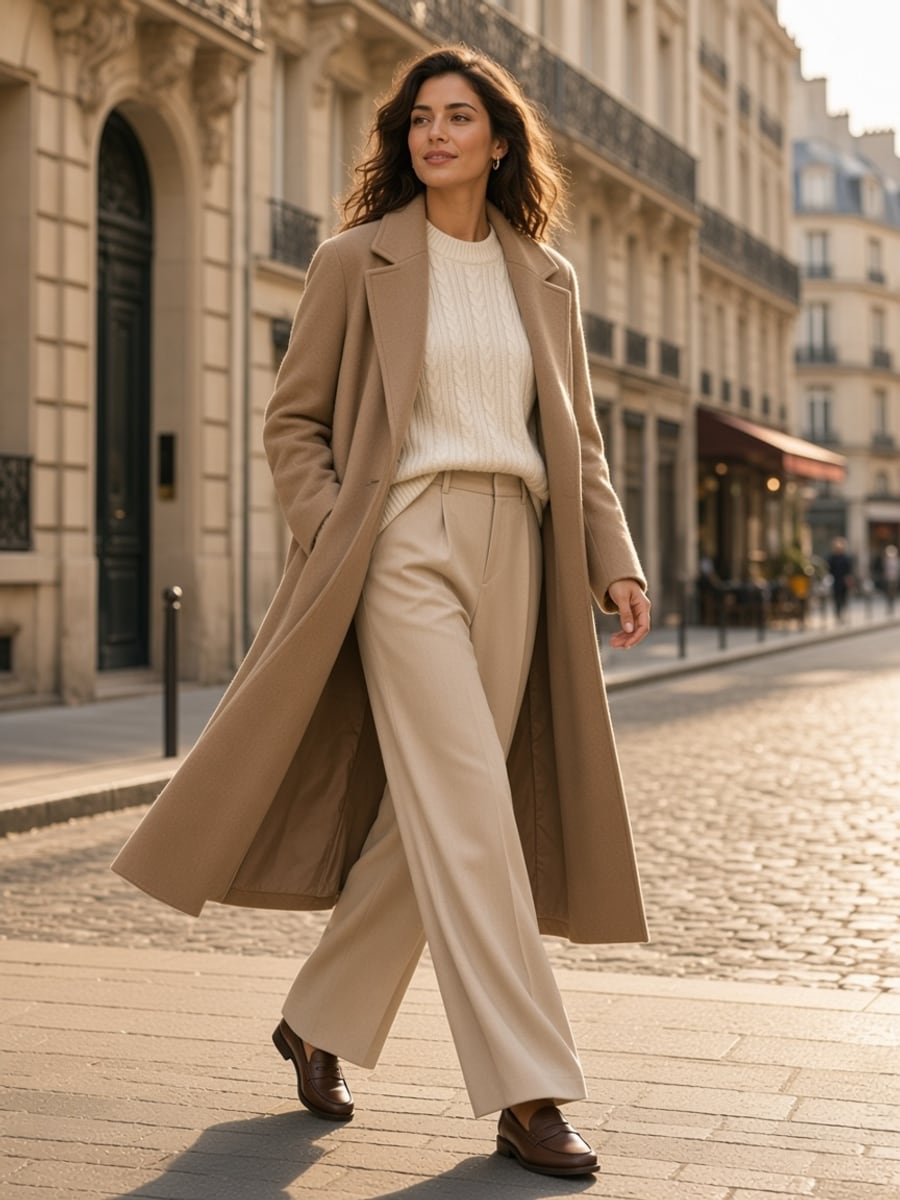
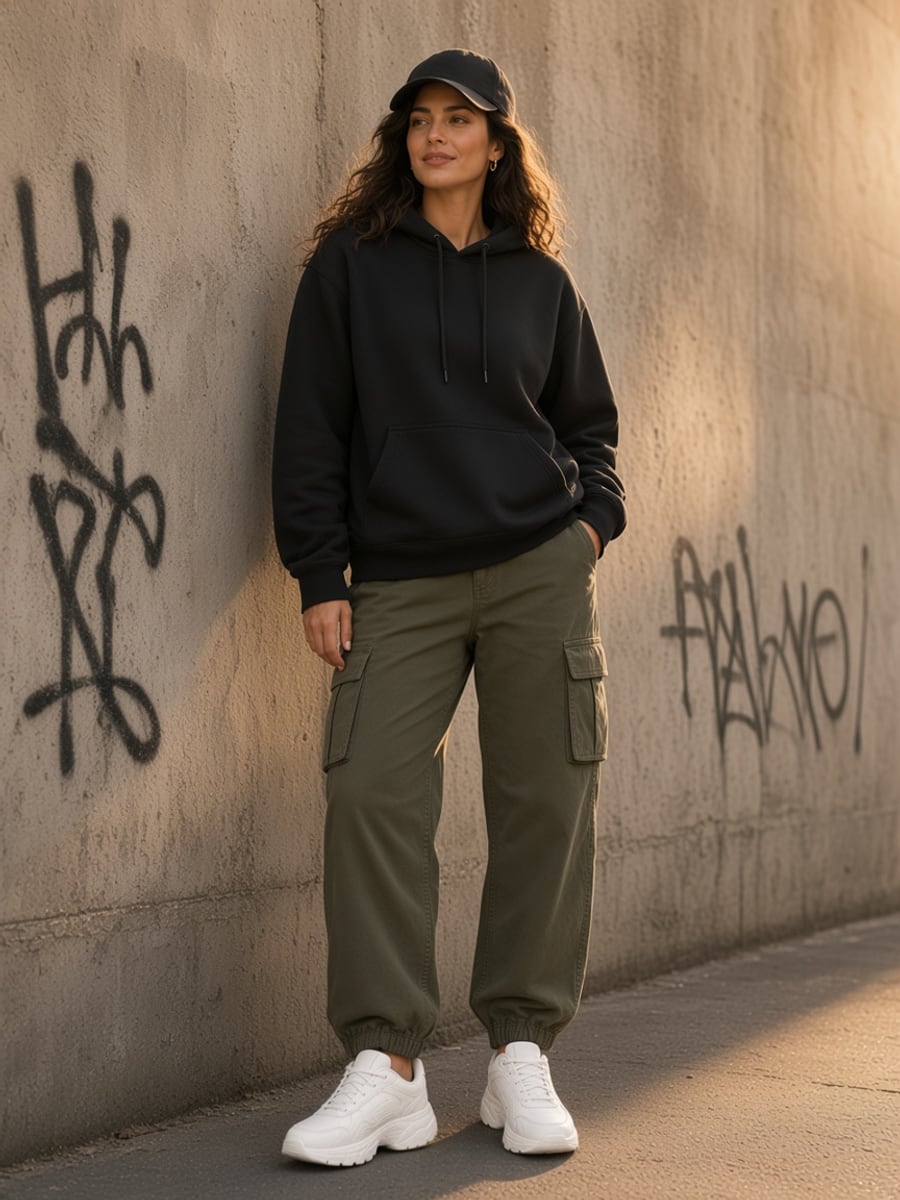
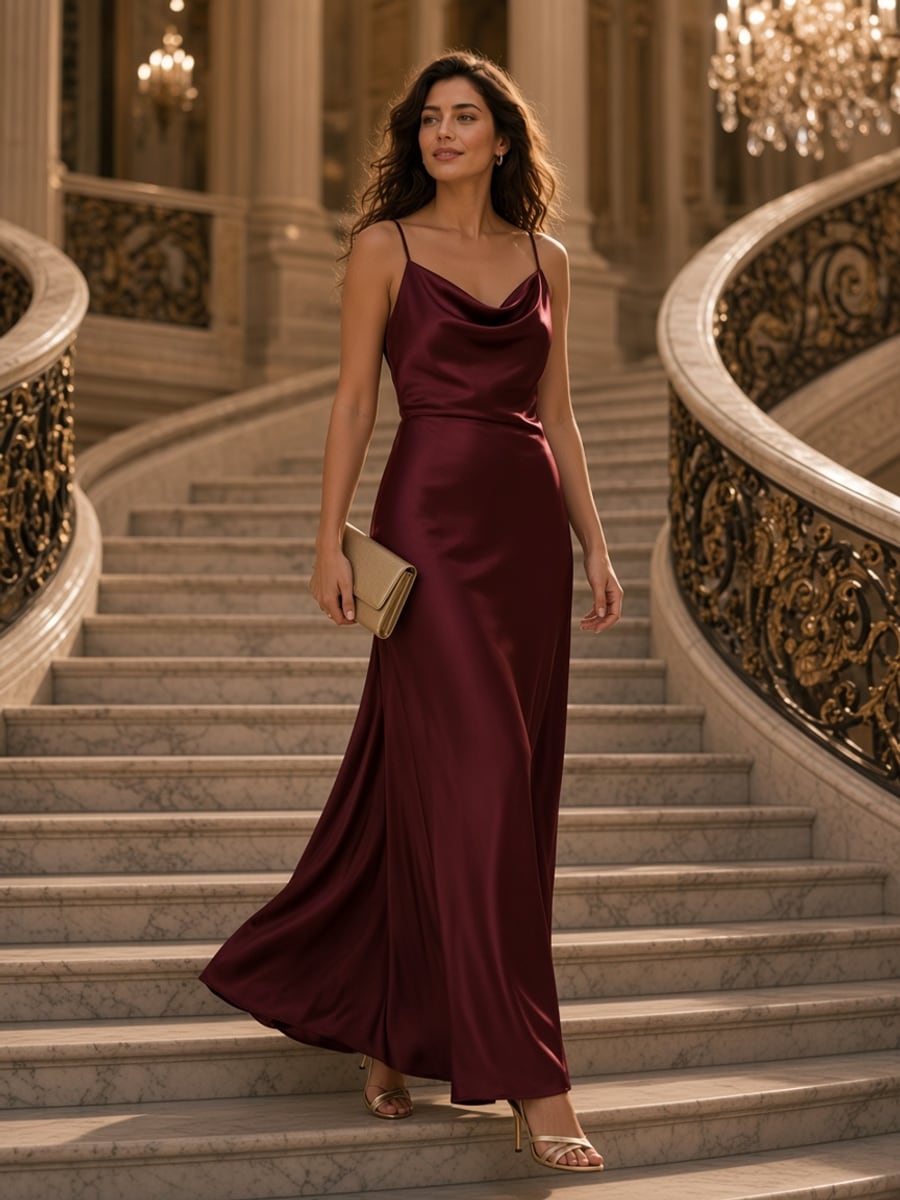
Three picks. One new look.
No prompts to write. The face stays yours; only the clothes change.
- 1
Pick your character
Any character you've trained on ClipMode — or a public one to test with.
- 2
Pick an outfit
Grab a look from the rack, upload a photo (flat-lay or someone wearing it), or just type the look.
- 3
Photo or video
Get a full-body photo in seconds, then animate it — catwalk, turn around, twirl or pose.
Same face. Every outfit.
One character, three looks from the rack. Identity holds; the outfit is copied piece by piece.
Quiet luxuryStreet hoodieRed satin gownStart from the rack
Twenty-six looks, ready to wear. Tap one to try it on.
Street hoodieTry it on →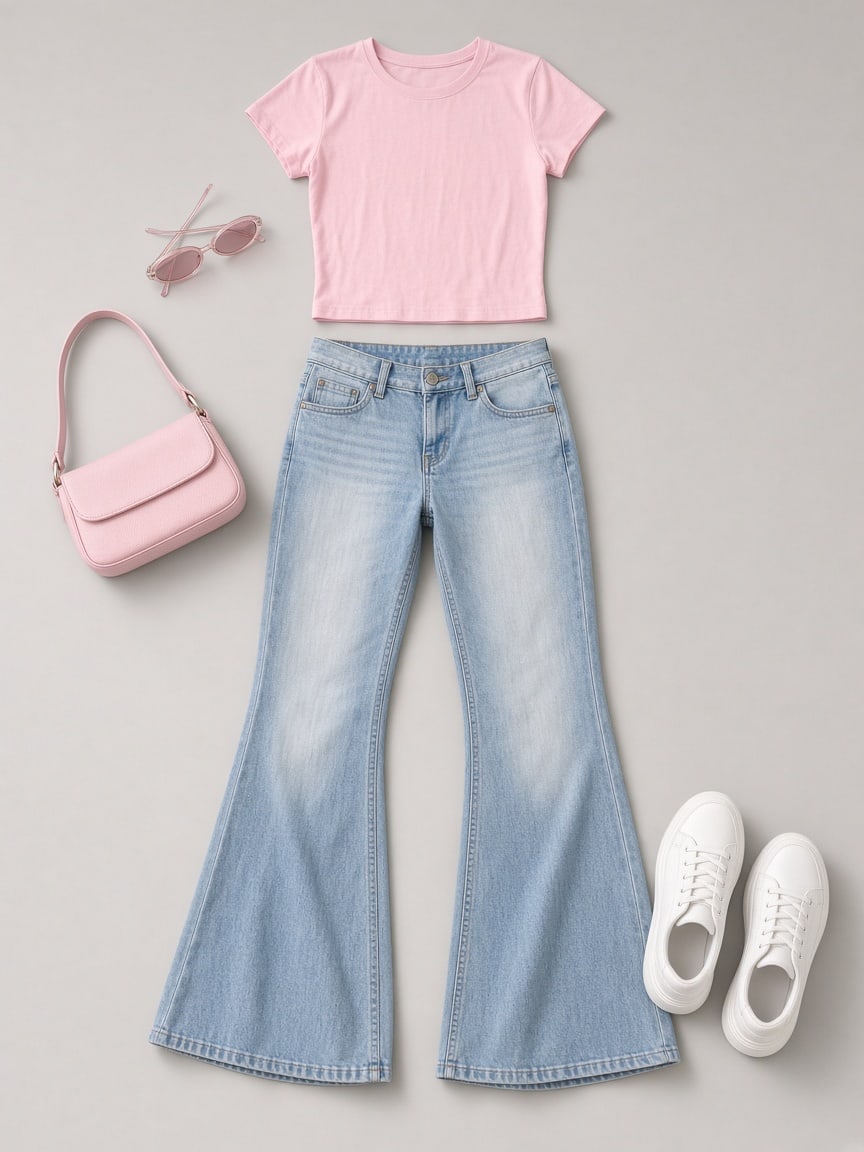 Y2K flareTry it on →
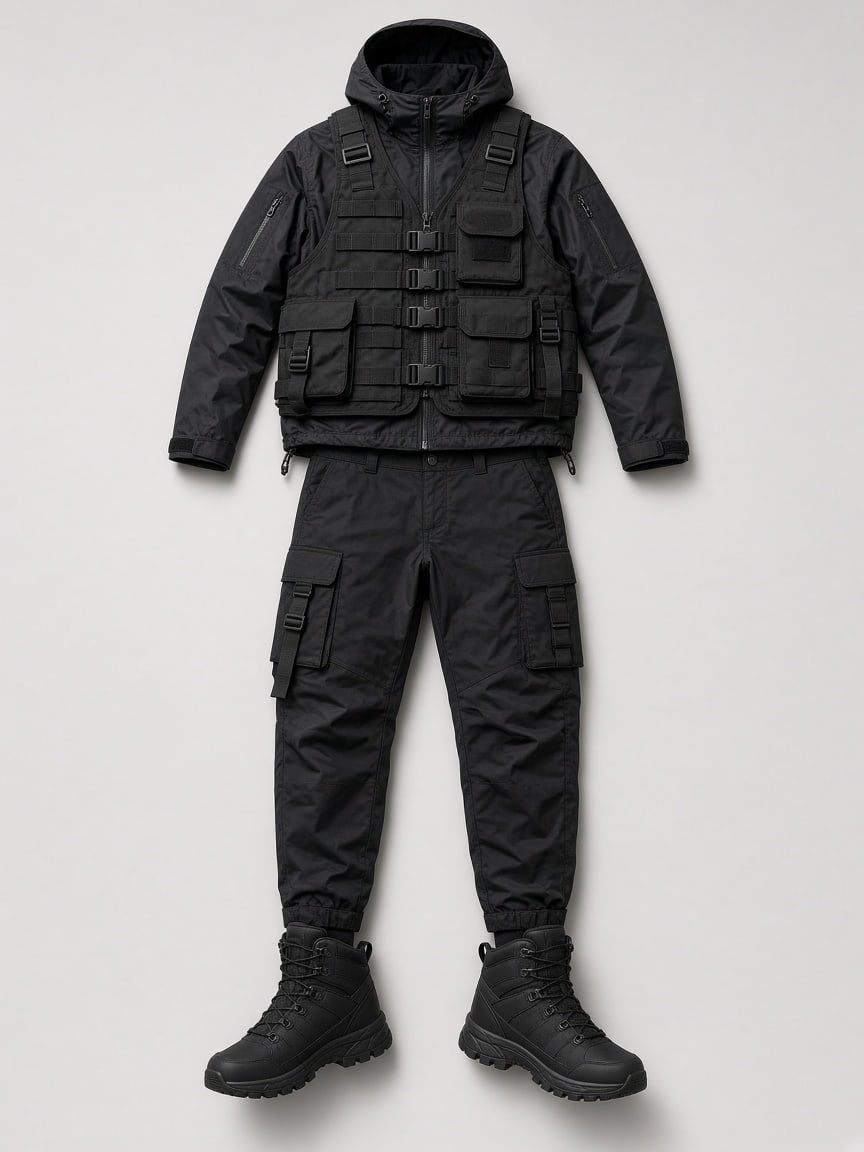 TechwearTry it on →
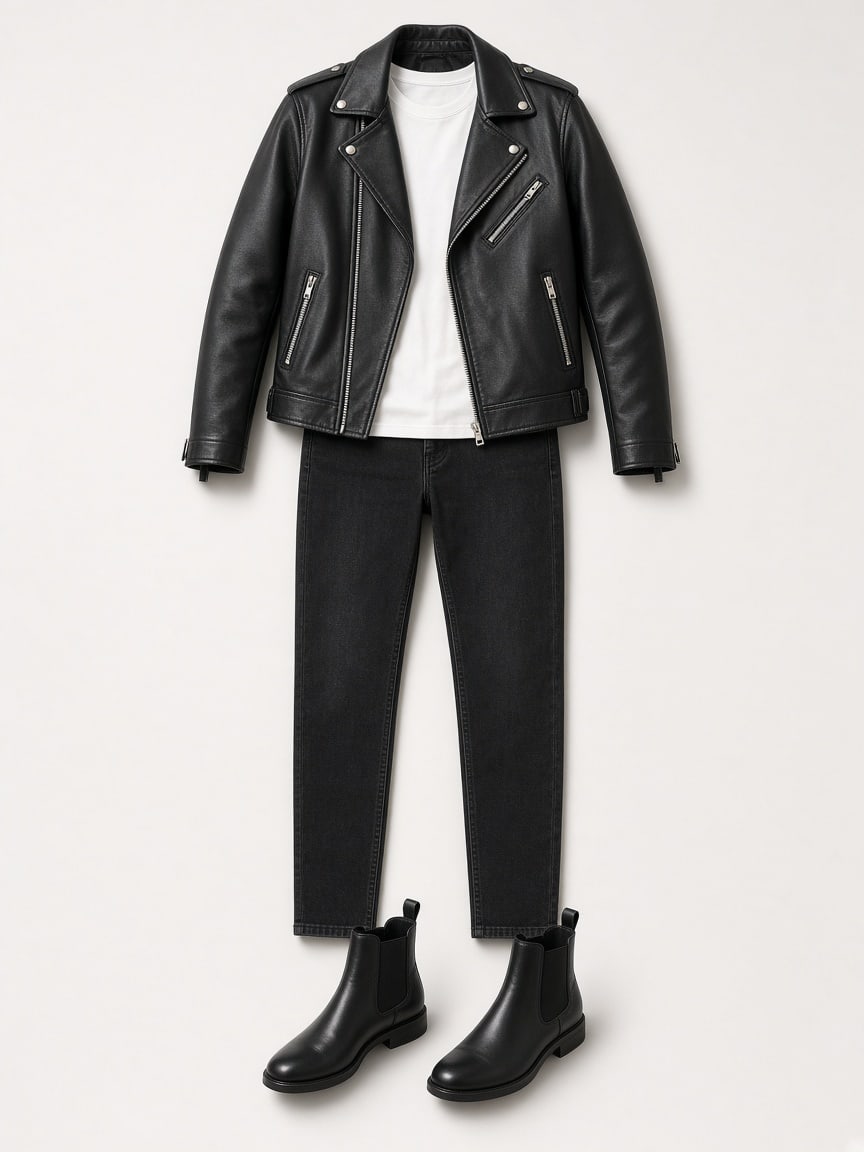 Leather bikerTry it on →
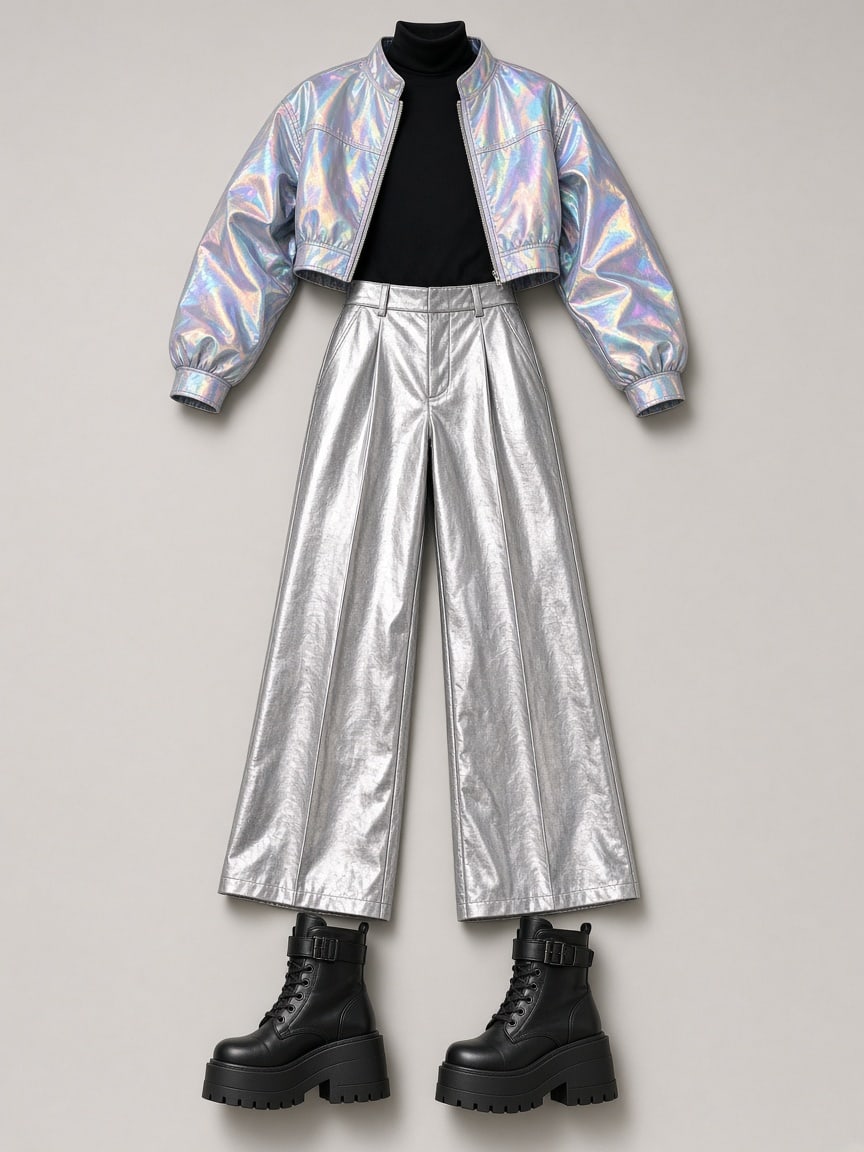 Holo partyTry it on →Red satin gownTry it on →Quiet luxuryTry it on →
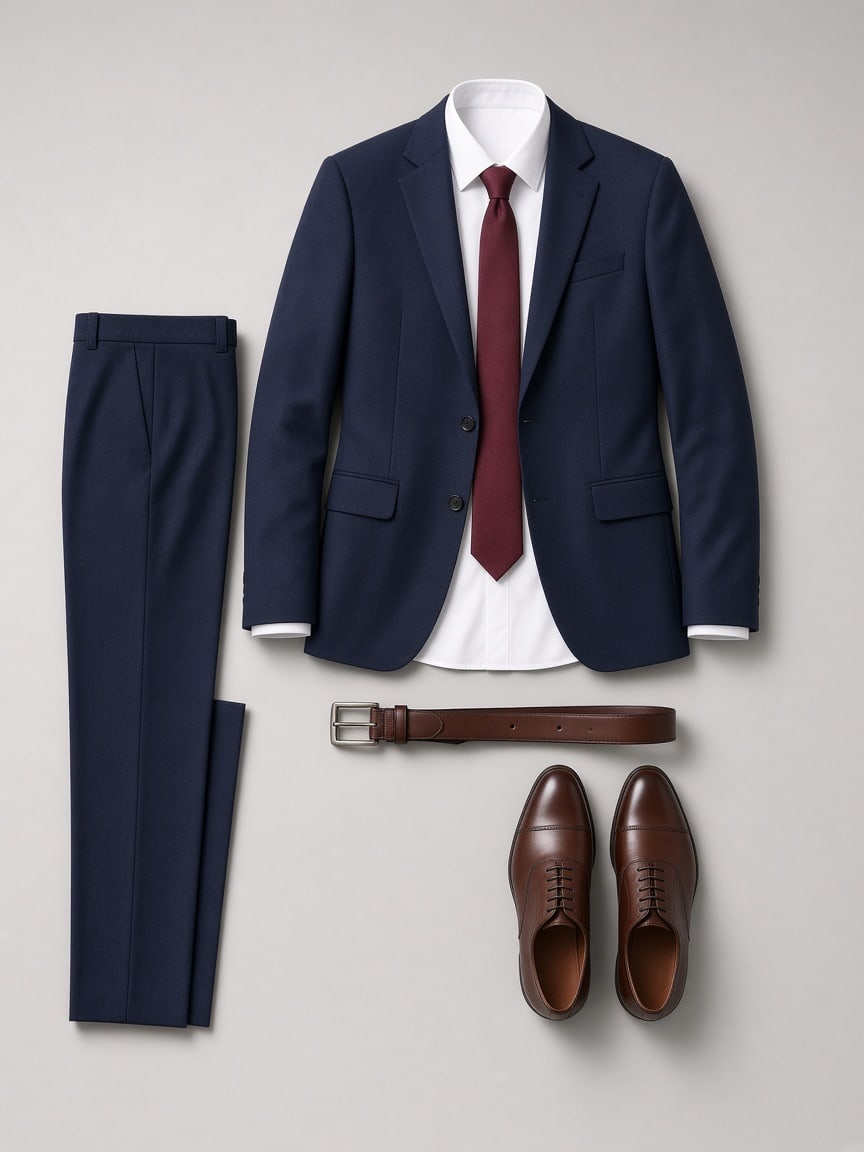 Navy suitTry it on →
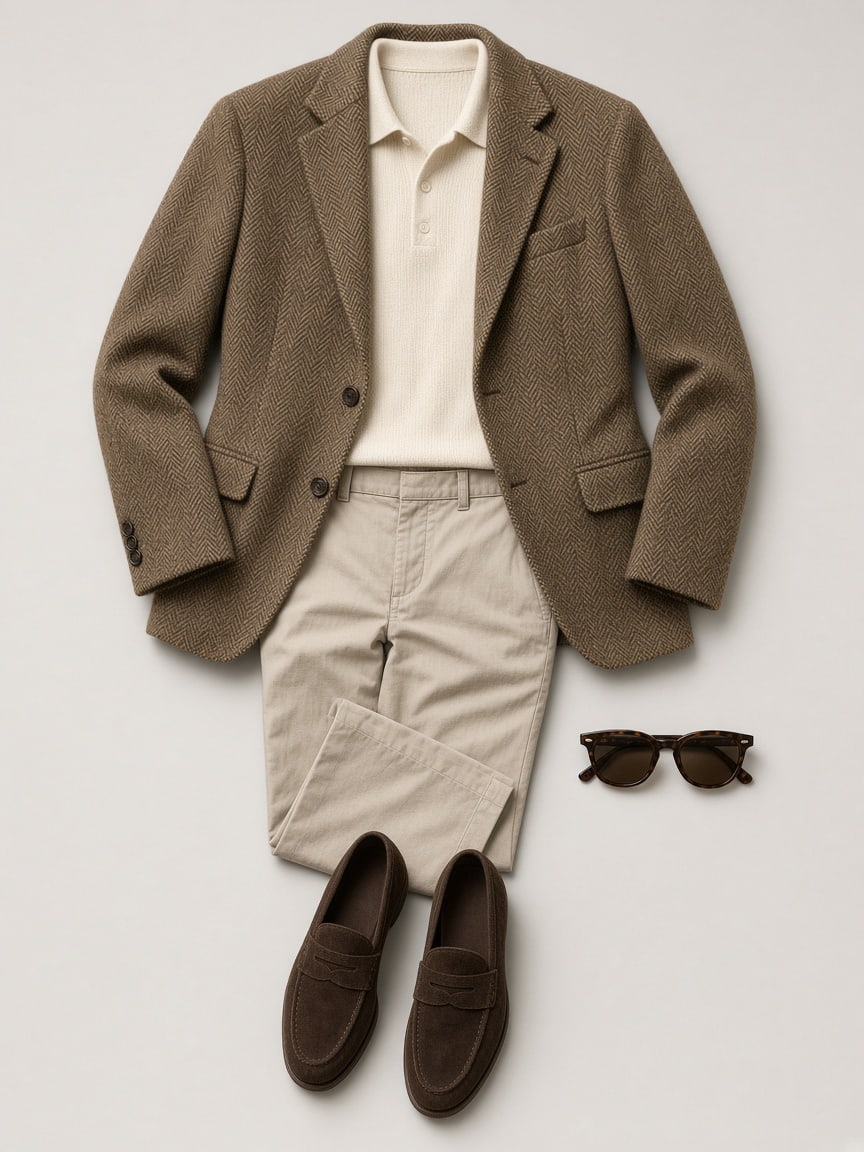 Old moneyTry it on →
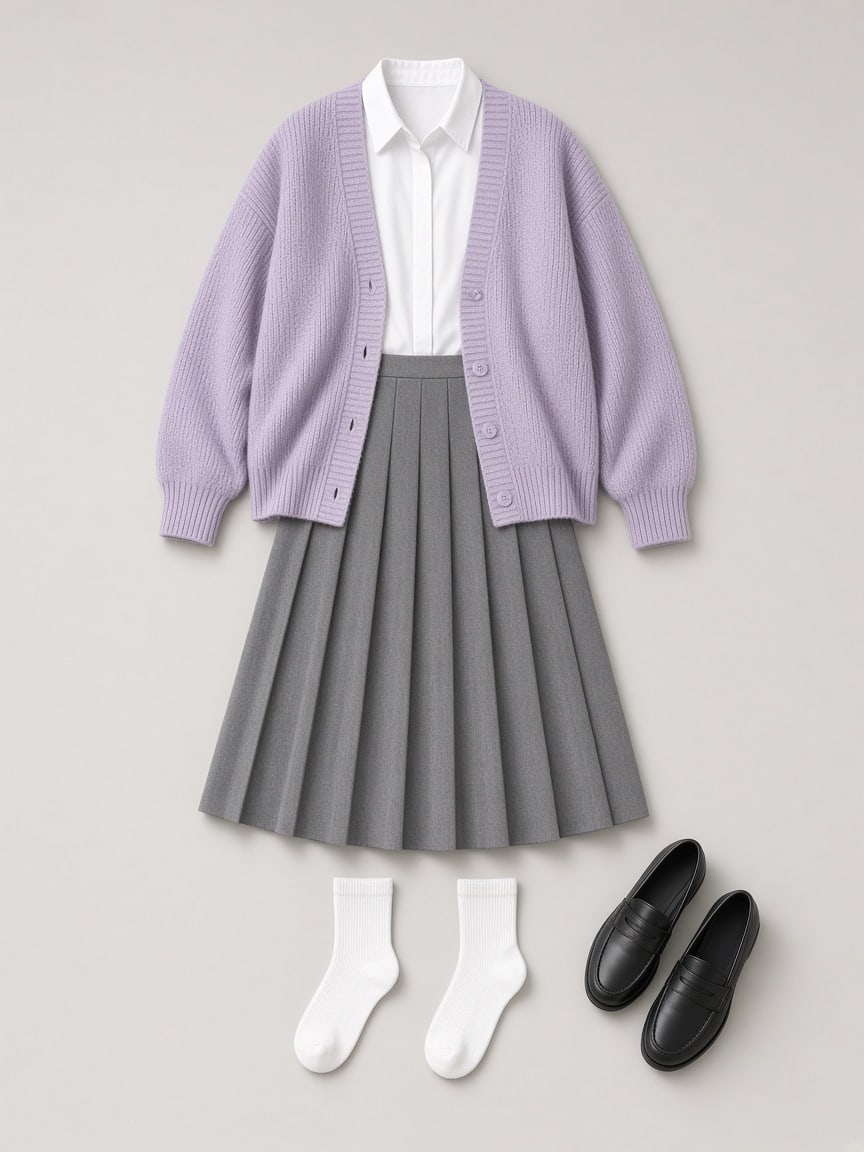 Clean fitTry it on →
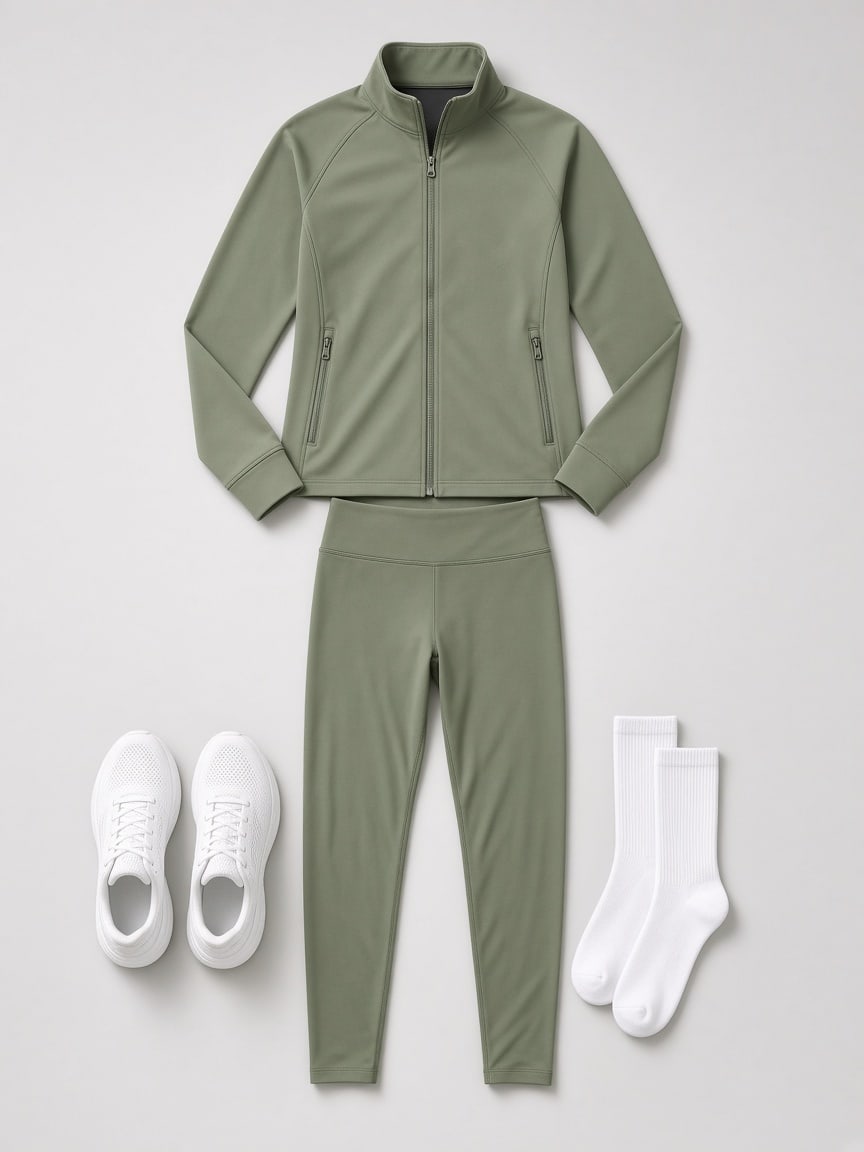 AthleisureTry it on →
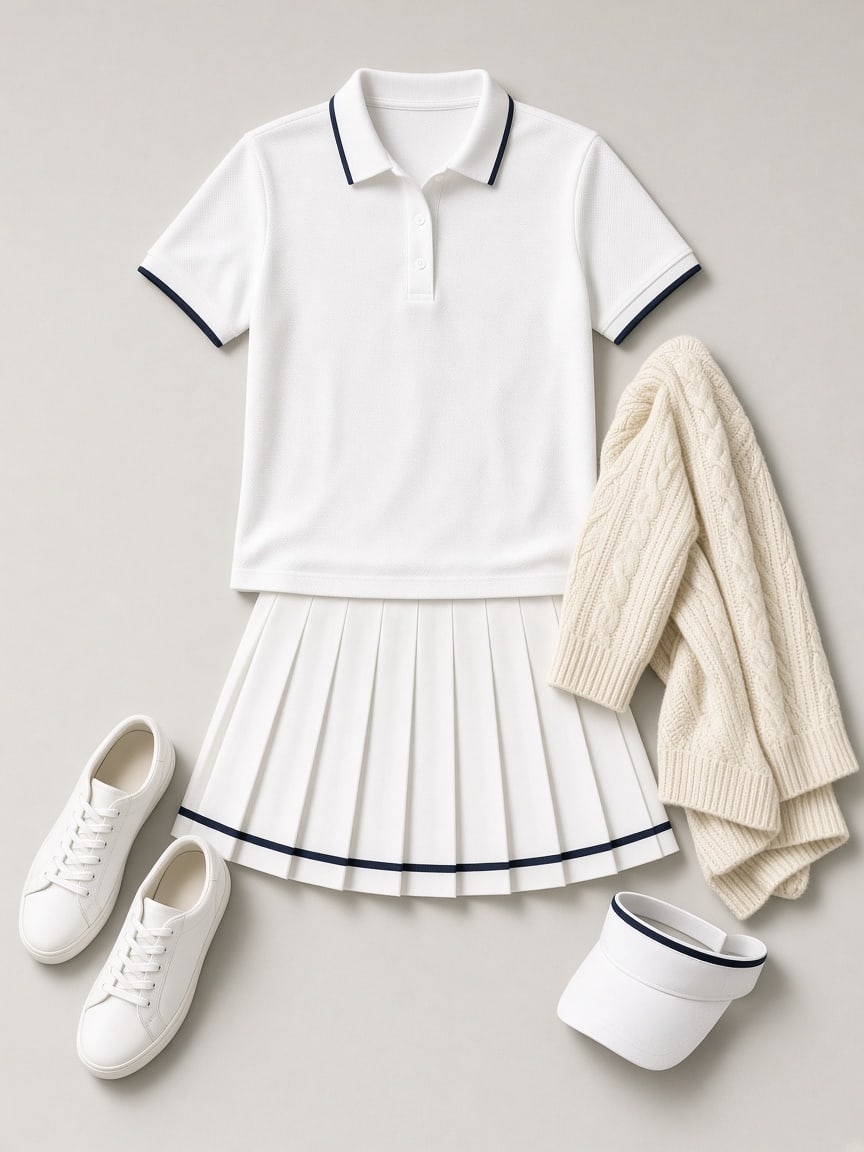 Tennis clubTry it on →
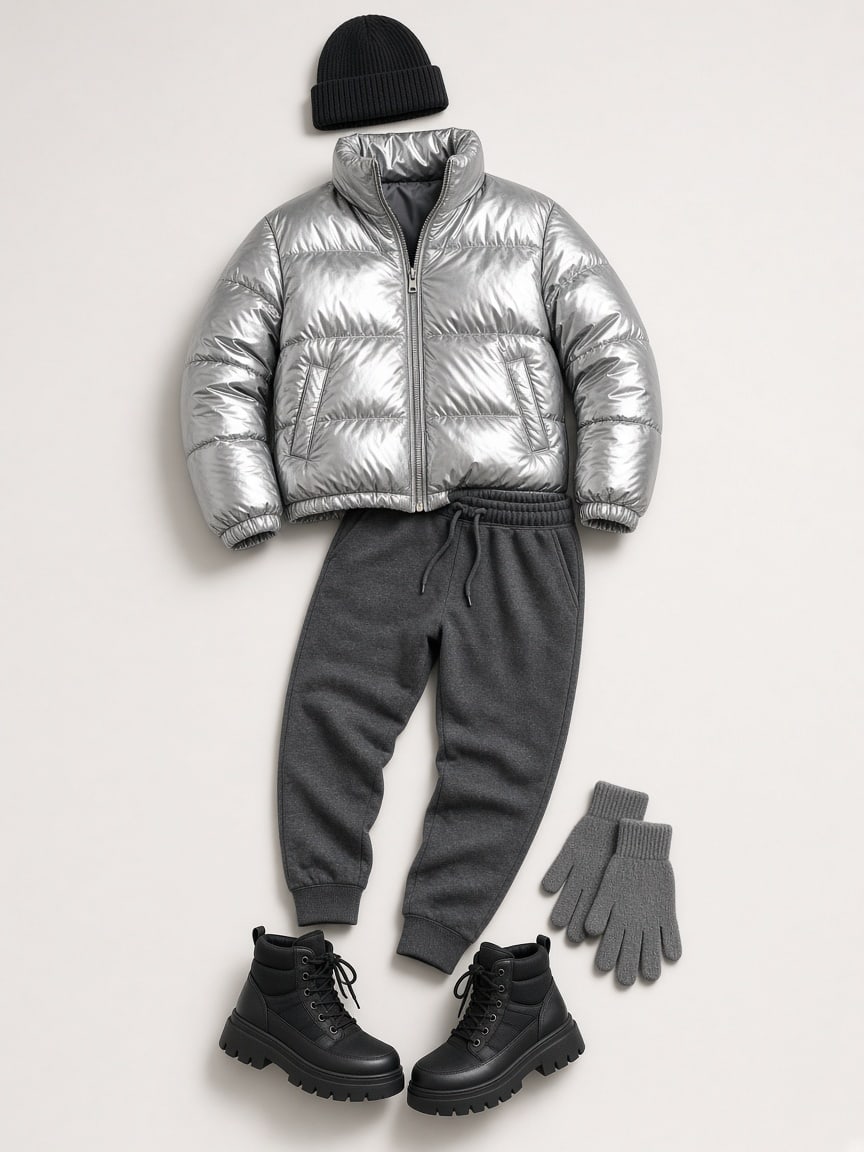 Silver pufferTry it on →
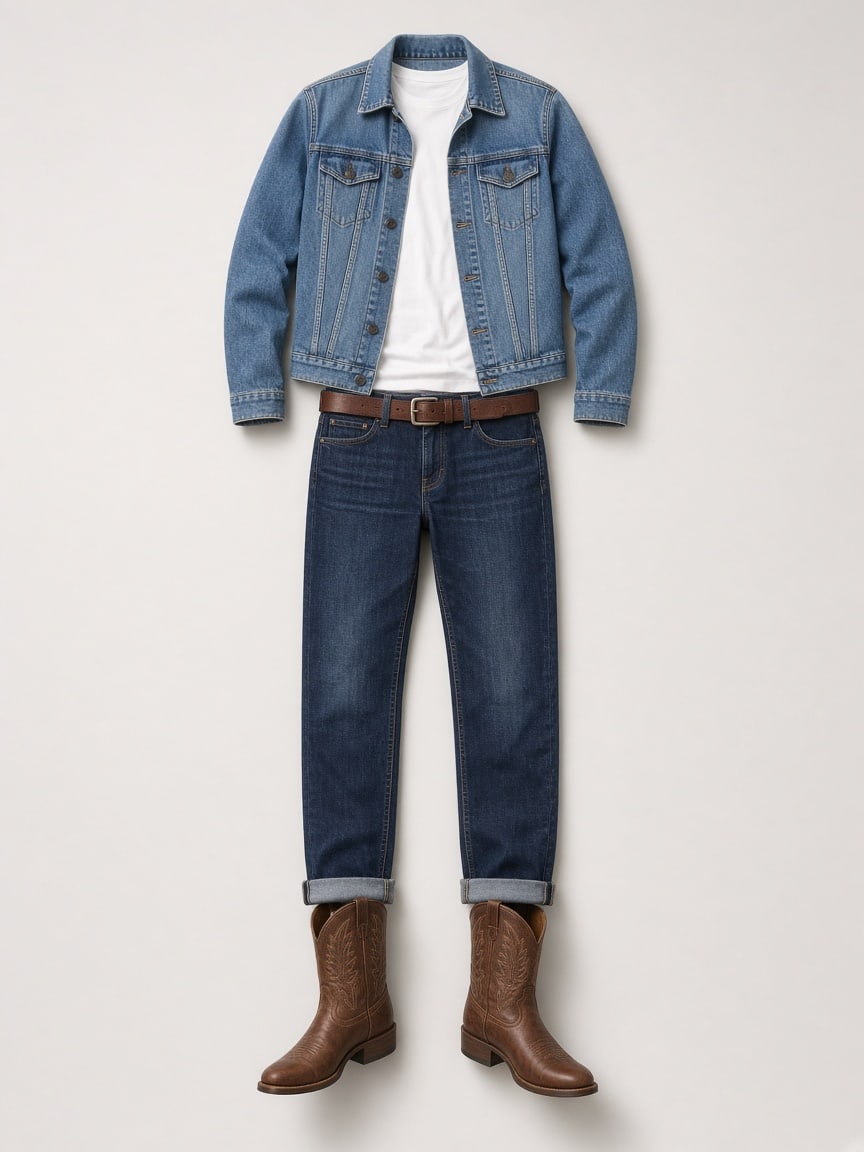 Denim on denimTry it on →
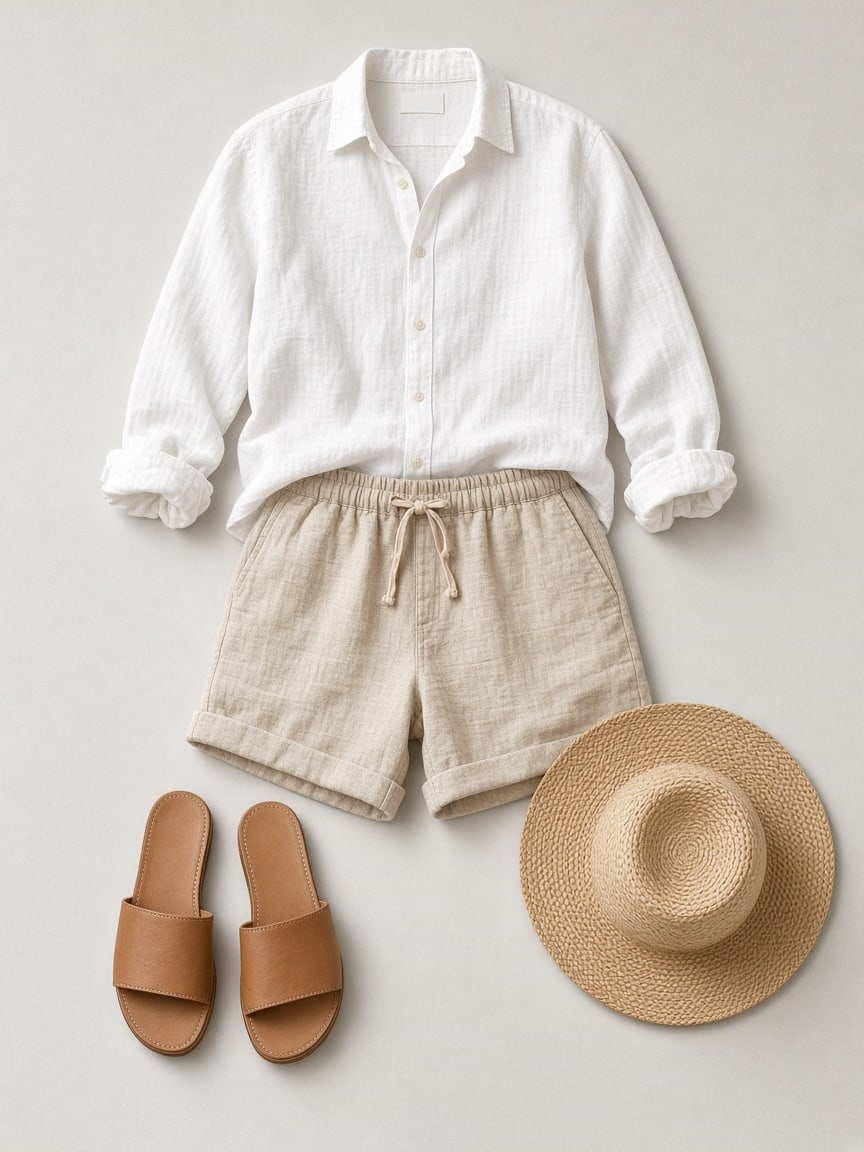 Summer linenTry it on →
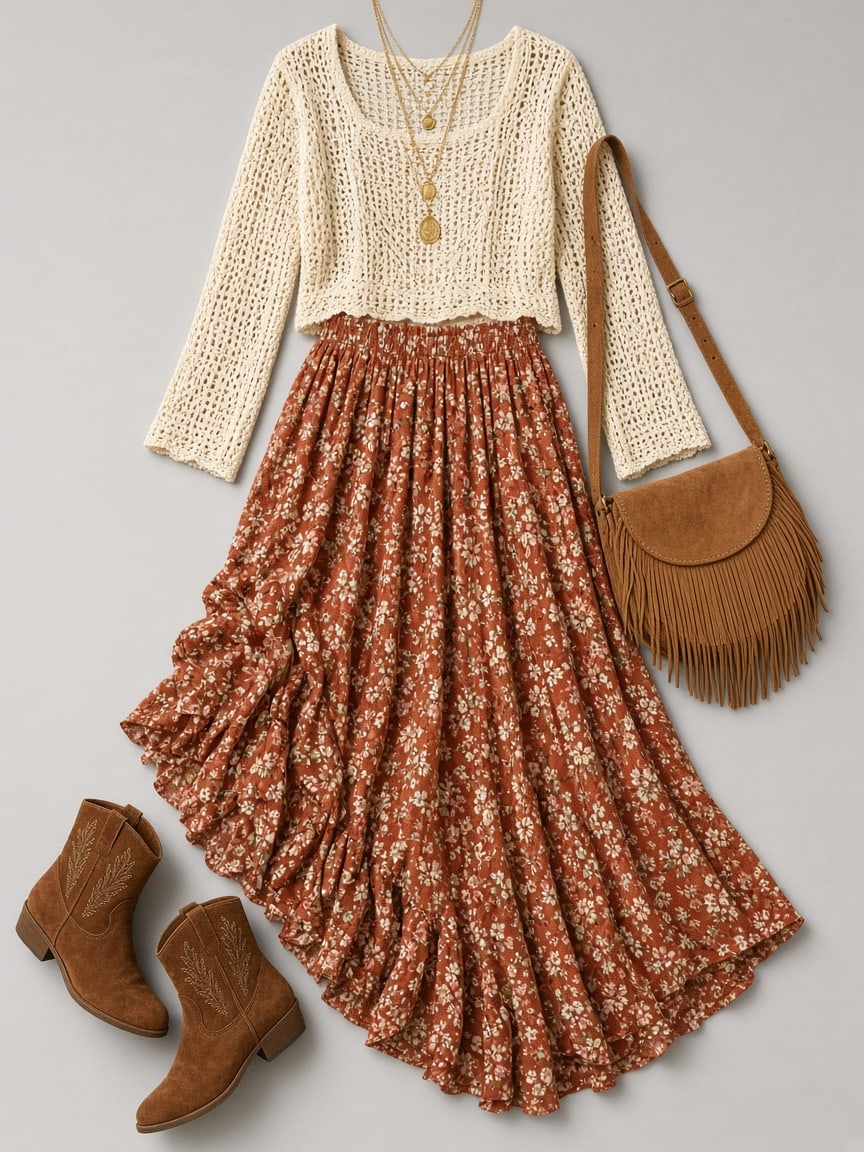 Boho festivalTry it on →
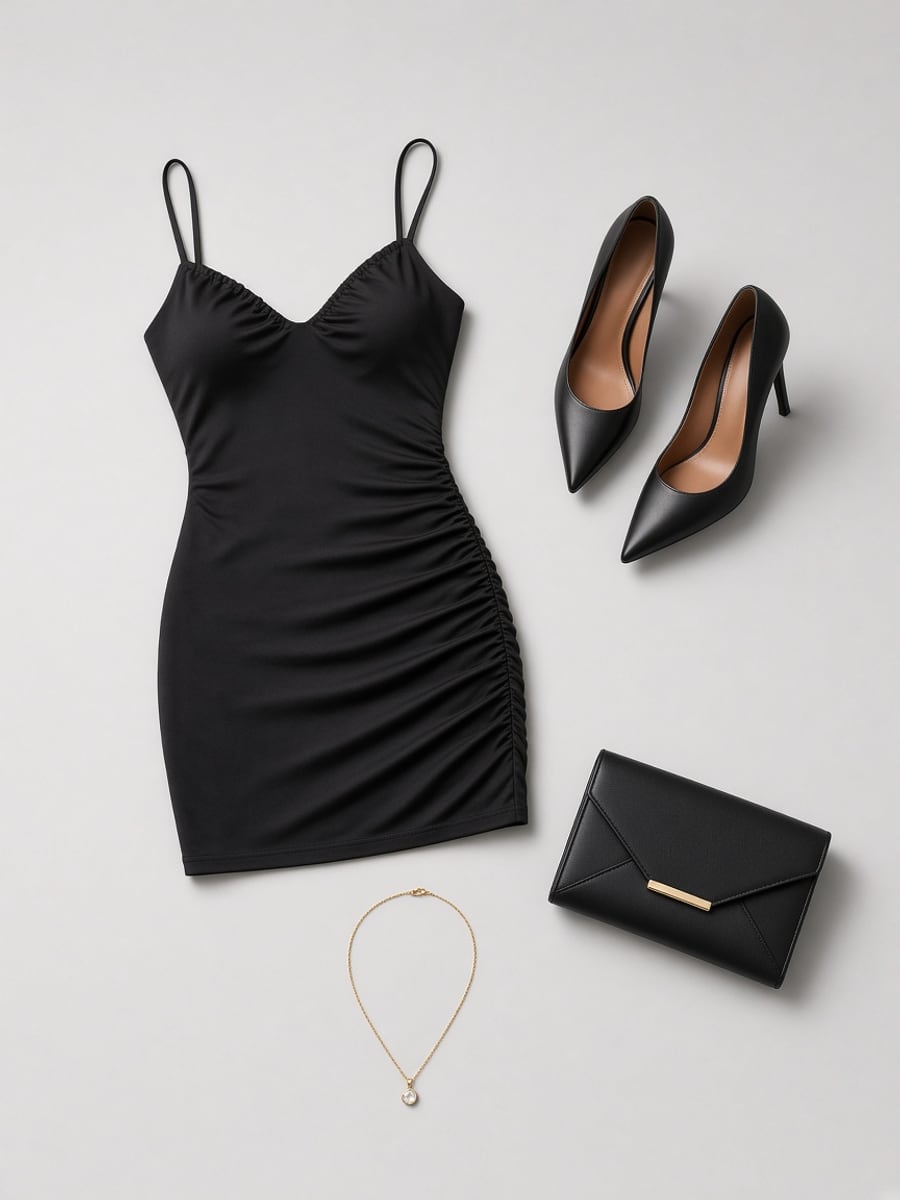 Little black dressTry it on →
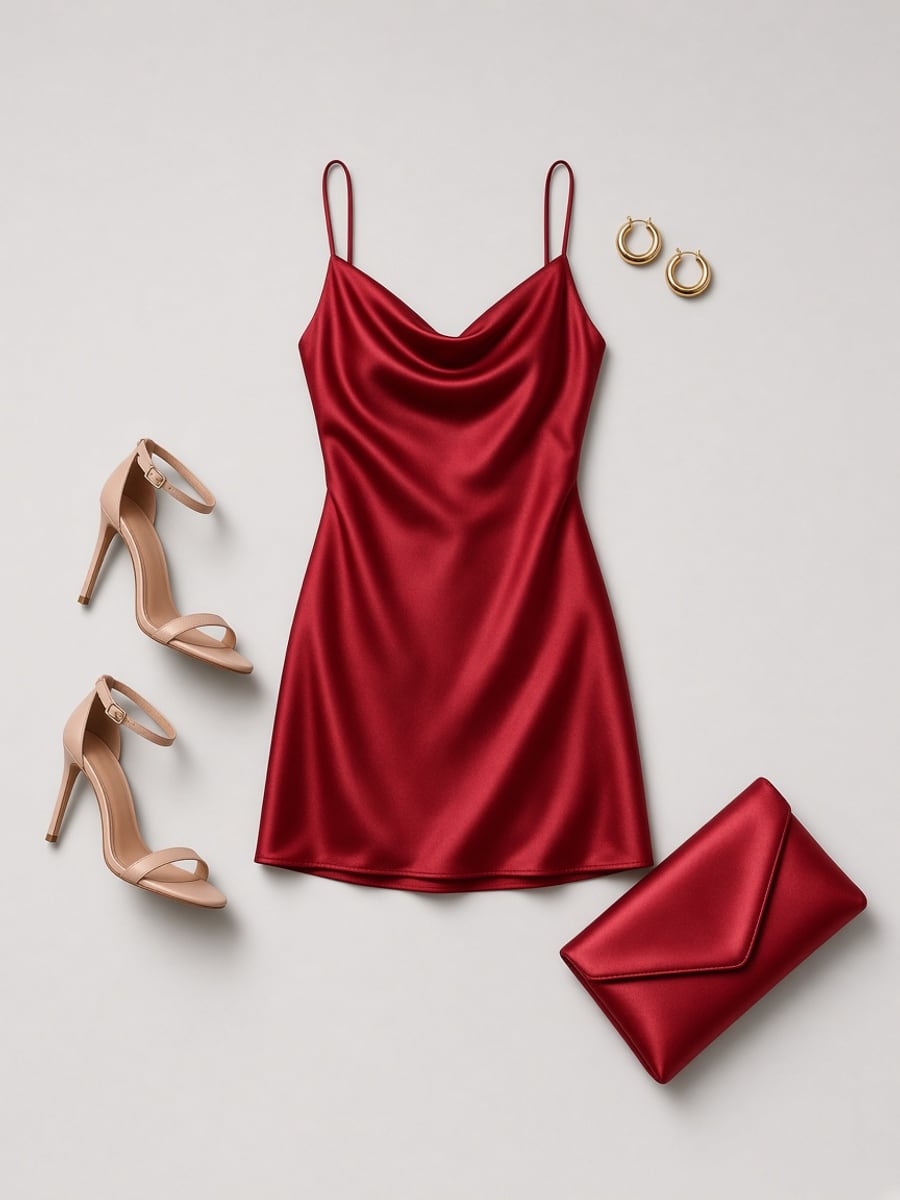 Red cocktailTry it on →
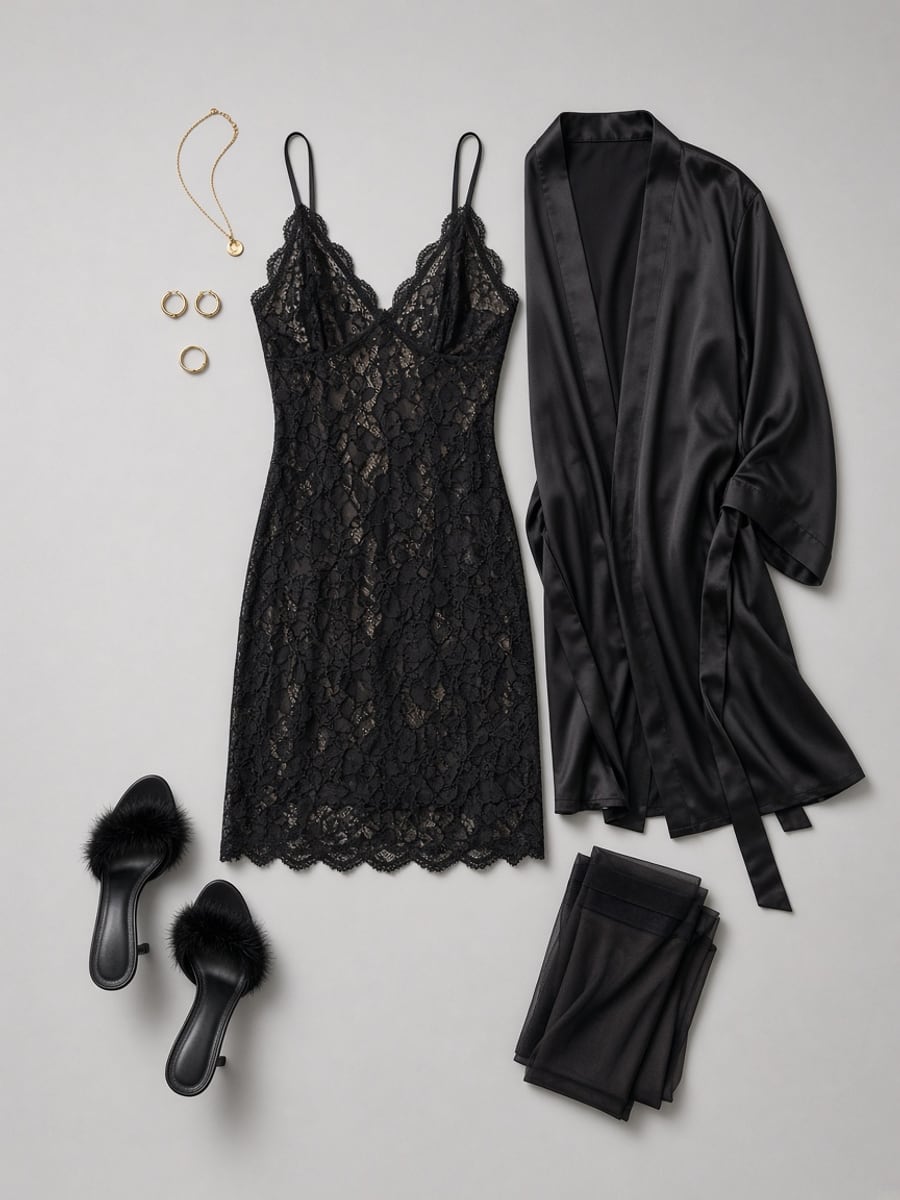 Black lace slipTry it on →
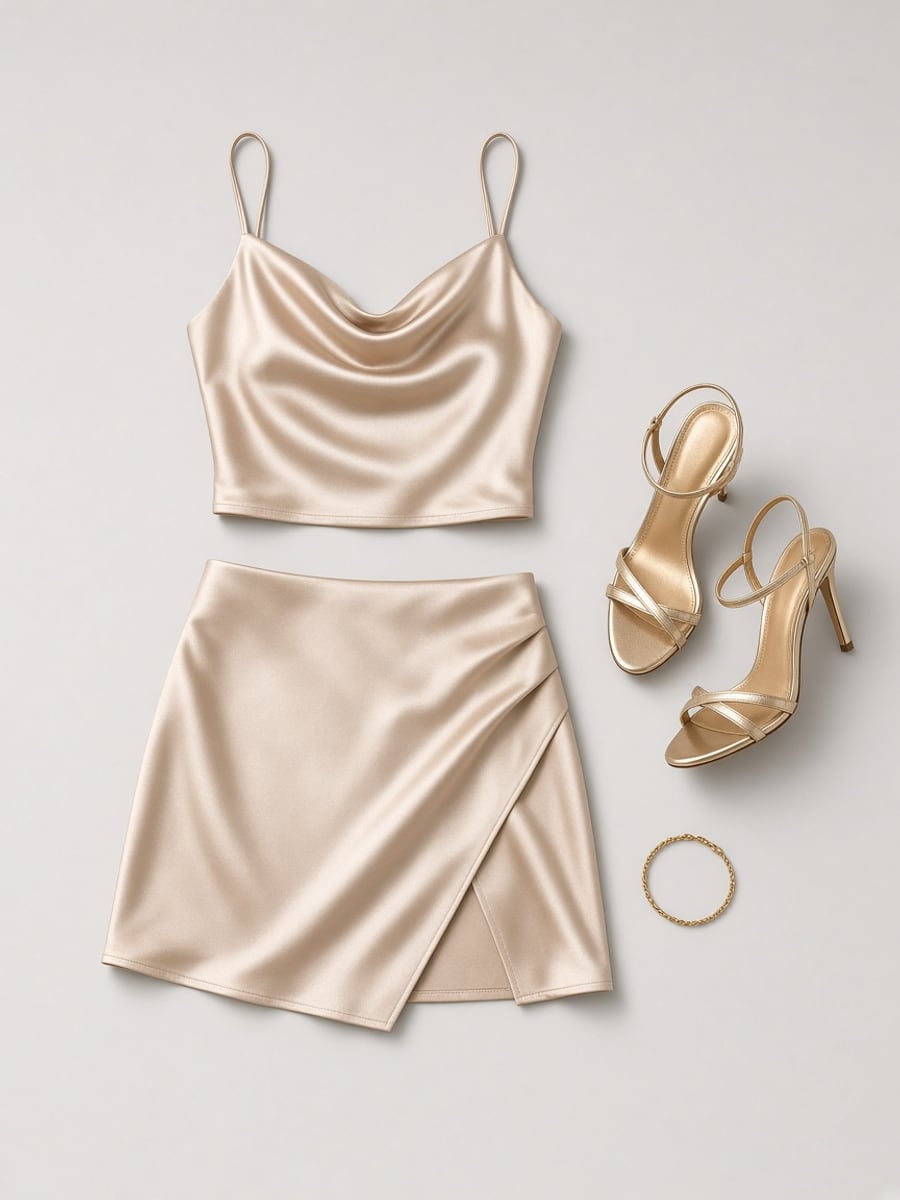 Champagne satinTry it on →
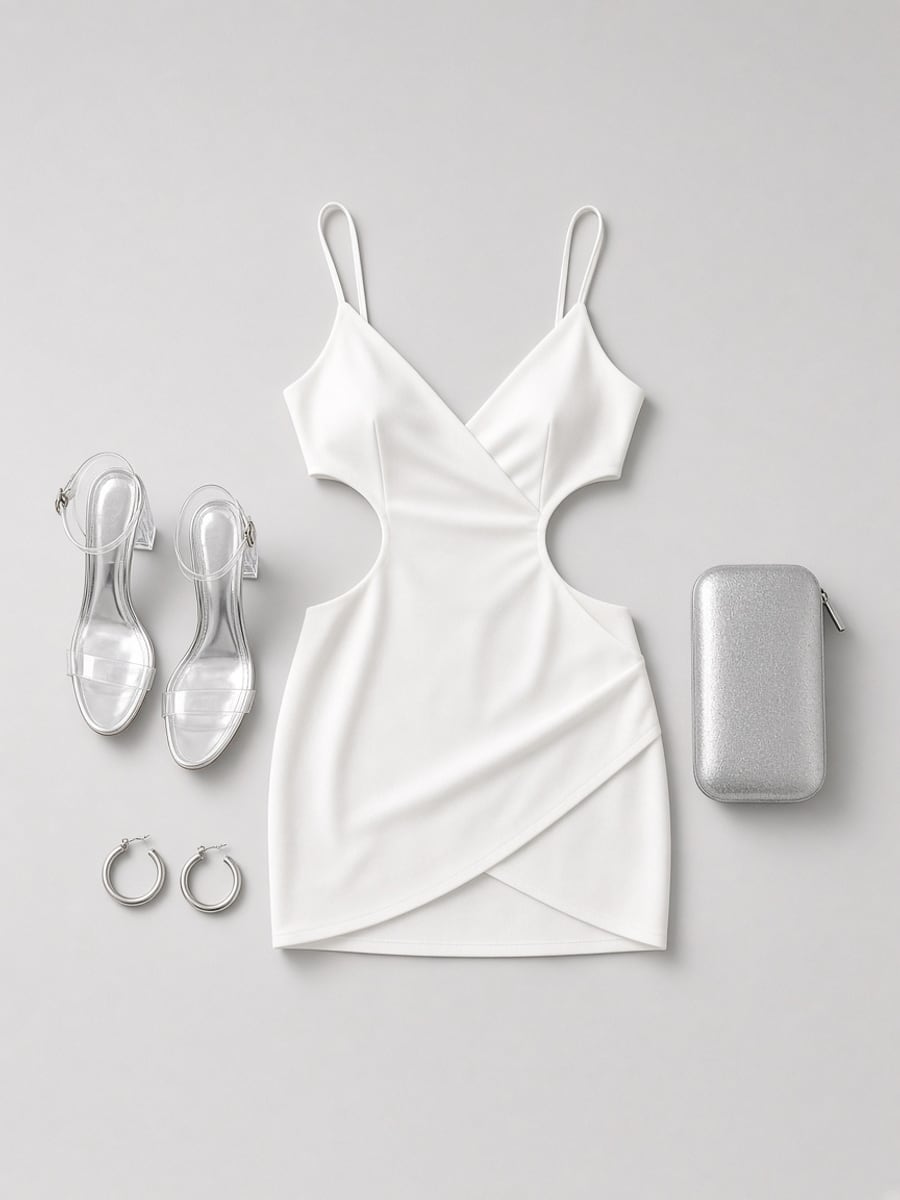 White cutoutTry it on →
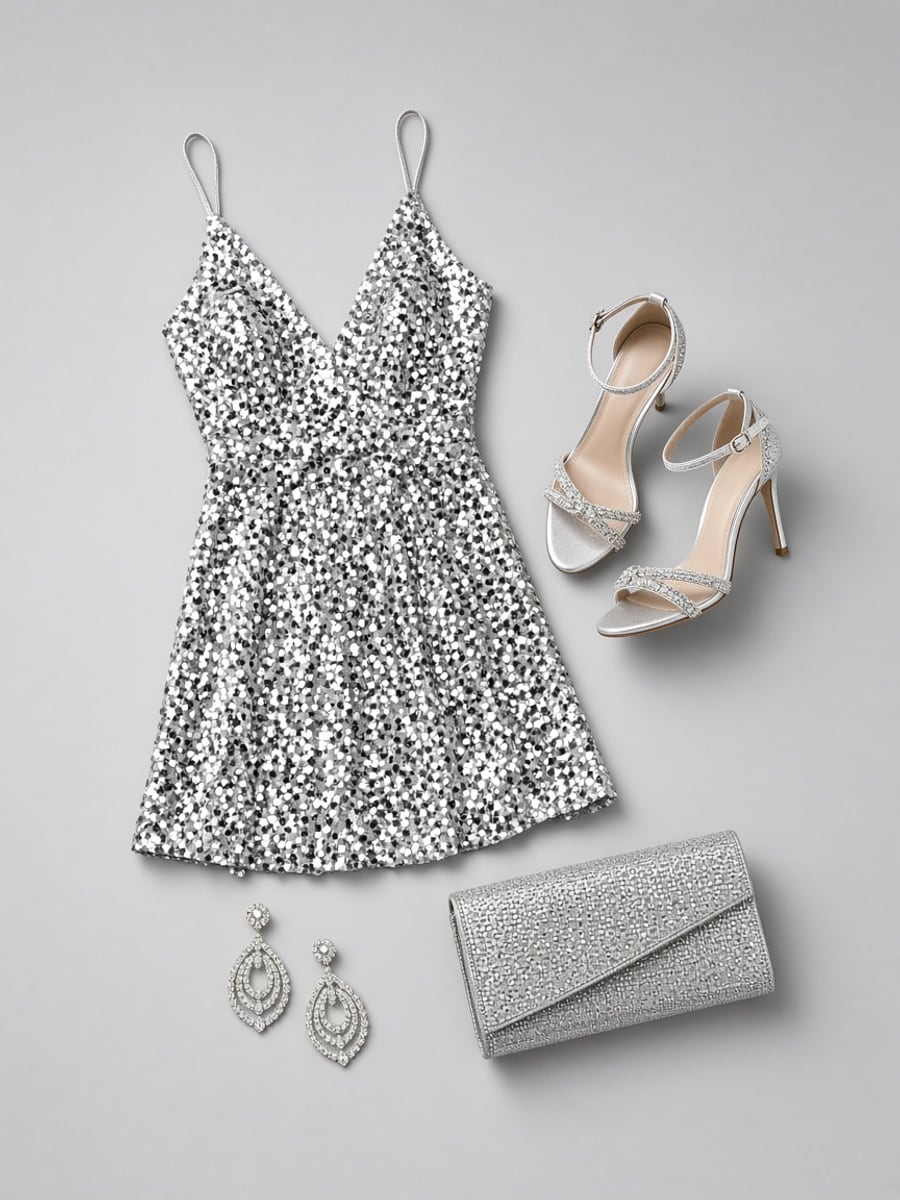 Sequin glamTry it on →
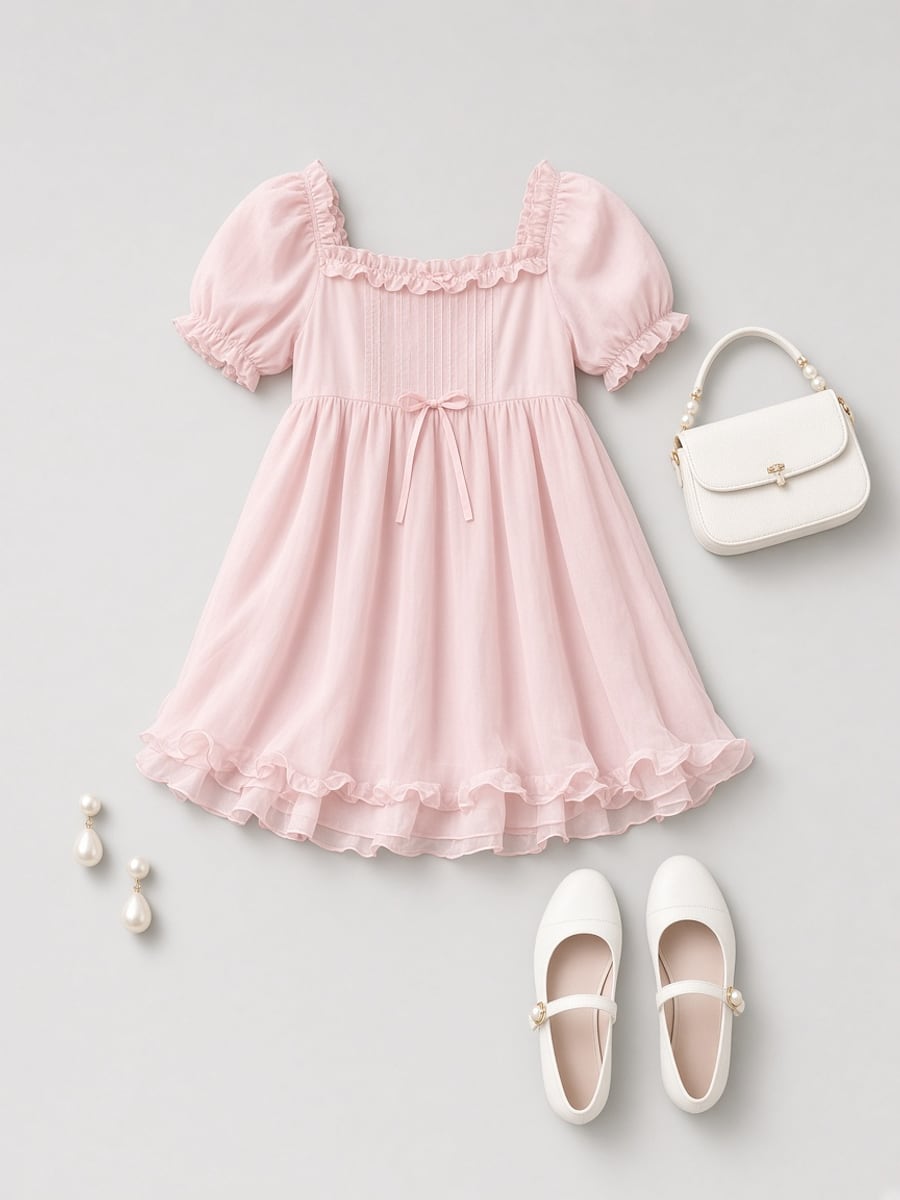 Pastel babydollTry it on →
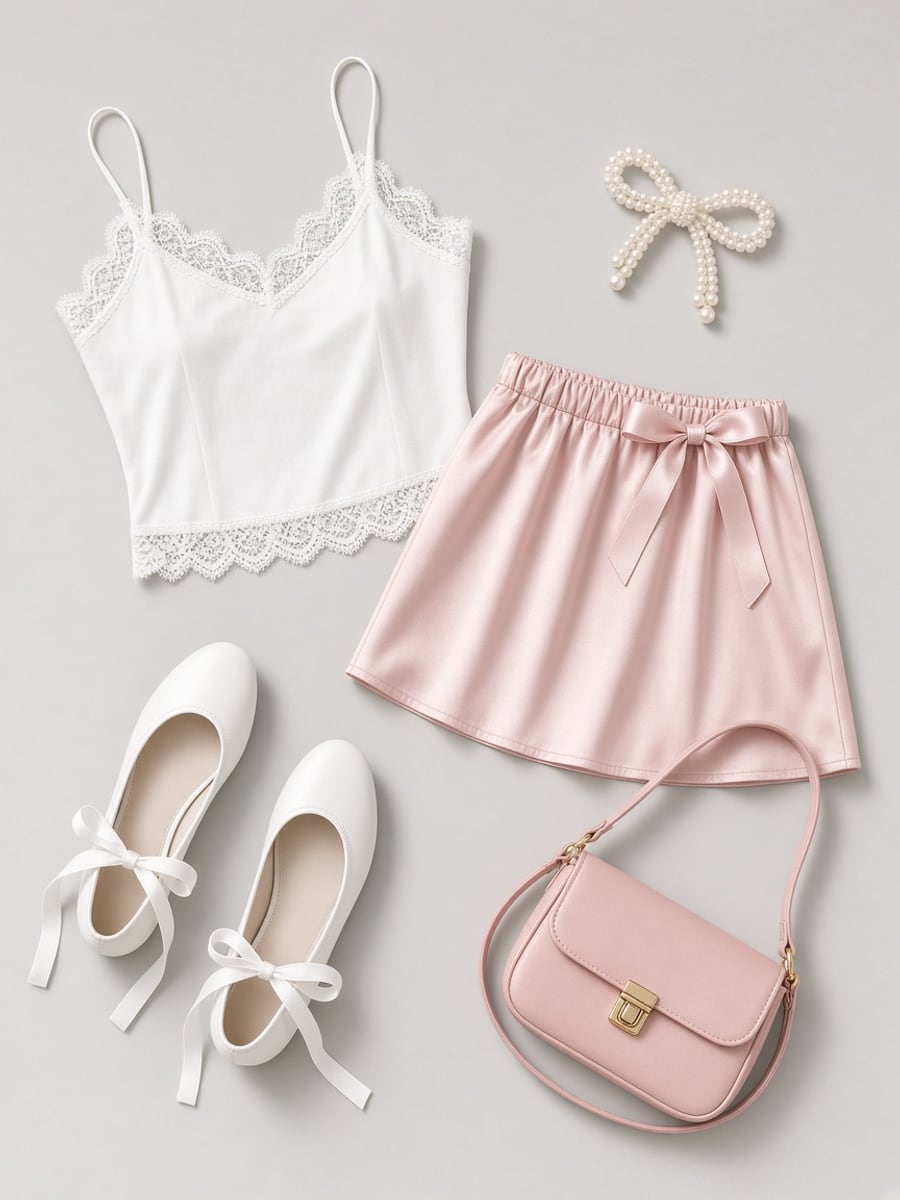 CoquetteTry it on →
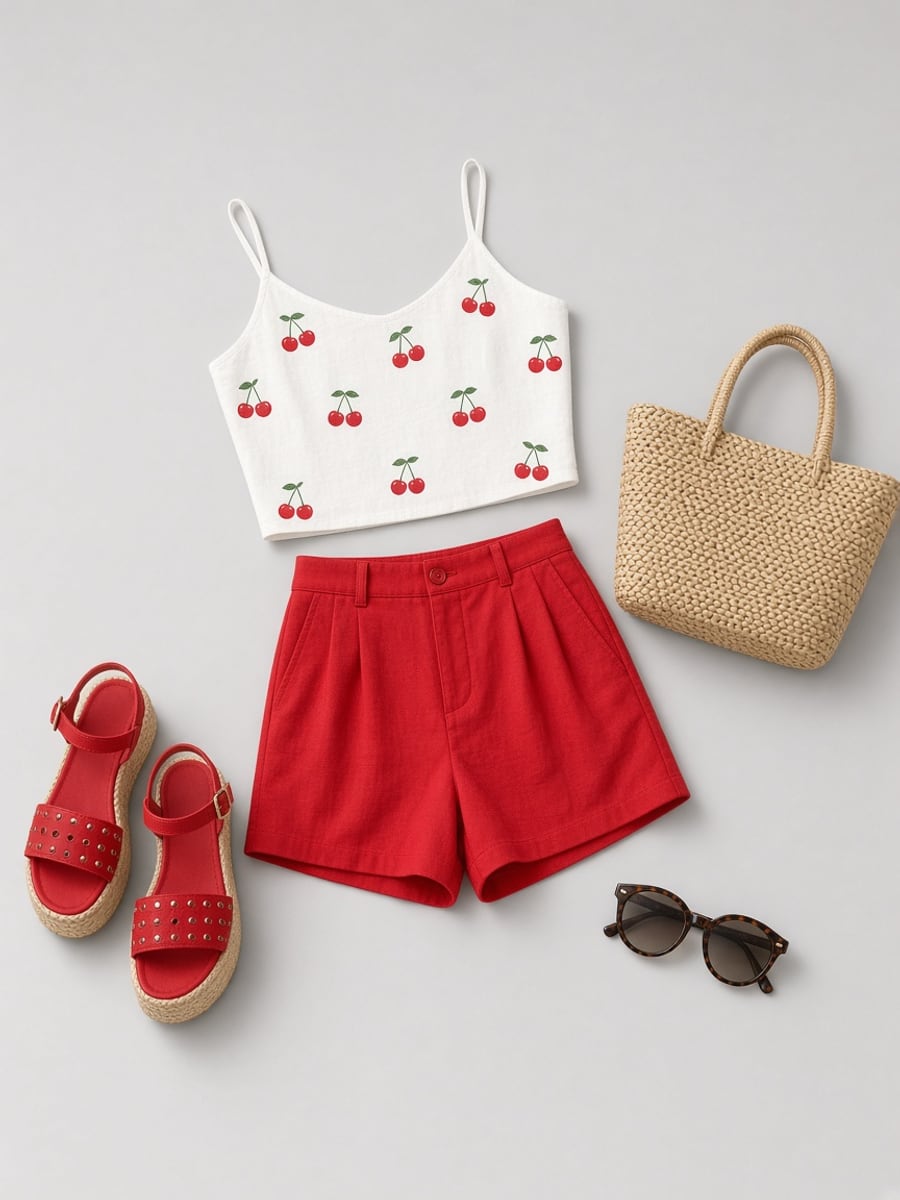 Cherry cuteTry it on →
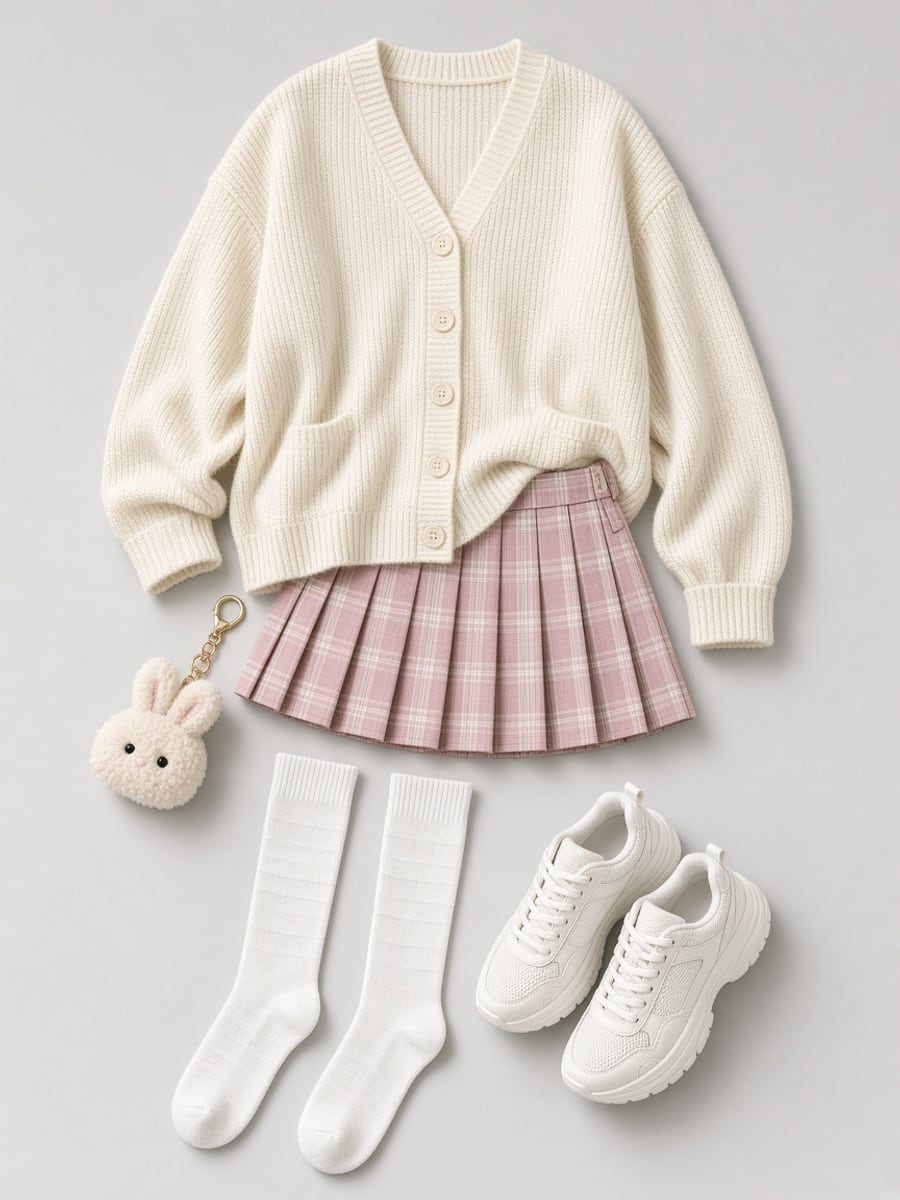 Soft girlTry it on →
Built for character creators
Upload any outfit
Saved to My outfits so you can reuse it across photos and videos.
Photo and video
Animate the try-on photo with one tap, or wear the outfit in a trending clip with Clip Remix.
Trained identity
Your character comes from a trained model, so the face stays consistent from look to look.
Private by default
Your uploads and results stay in your ClipMode library.
Outfits are included with ClipMode credits. See plans →
Questions
What photo works best for an upload?
Either works: clothes laid flat / on a hanger, or a photo of someone already wearing the look. We copy the outfit only — never the face. Prefer a clear full look on a simple background.
Can I just type the outfit?
Yes. Open Describe in the outfit picker and write something like "a red satin slip dress with gold heels". No photo needed.
Do I need a trained character?
Yes — that's what keeps the face consistent. Training takes a few minutes from a handful of photos. You can test with a public character first.
How much does it cost?
A photo costs 1 credit. A 5-second video of the look costs 20 more (21 including the photo). Wearing it in your own clip uses Clip Remix pricing. Failed renders are refunded automatically.
Can I change the scene too?
Yes. Add an optional scene line like "rooftop at sunset" or "walking down a Paris street". Leave it empty for a clean studio photo.
What can't I upload?
Photos of minors, or anything you don't have the right to use. Uploads are screened, and impersonation and non-consensual content are banned.
Your character. Any outfit.
Train once, then wear every look on the rack — and anything you upload.
Try on an outfit